
Broker Postback Setup: How to Get Registrations and FTDs Sent Back to You (2026 Guide)

How to get registrations and first deposits sent back from your broker: the postback loop, what to ask your affiliate manager for, and how to test it.
On this page
- What is a broker postback?
- What changes when the broker sends postbacks?
- How does a broker postback work?
- What should you ask your broker for?
- How does a broker postback work in affiliate platforms?
- How do you test a broker postback?
- What if your broker will not send postbacks?
- Broker postback mistakes
- Ask for the postback first
- Frequently Asked Questions
Key takeaway: A broker postback is a server-to-server call the broker, or its affiliate platform, makes to your tracking when a client you referred registers or makes a first deposit. It carries back the click ID you sent, so each registration and FTD lands on the ad set that brought it. Ask for it on registration and first deposit before you ask for a better rate.
- A broker postback reports a registration or first deposit from the broker's server to yours, as it happens.
- It works by passing your click ID in the referral link's sub ID, and getting it back with each event.
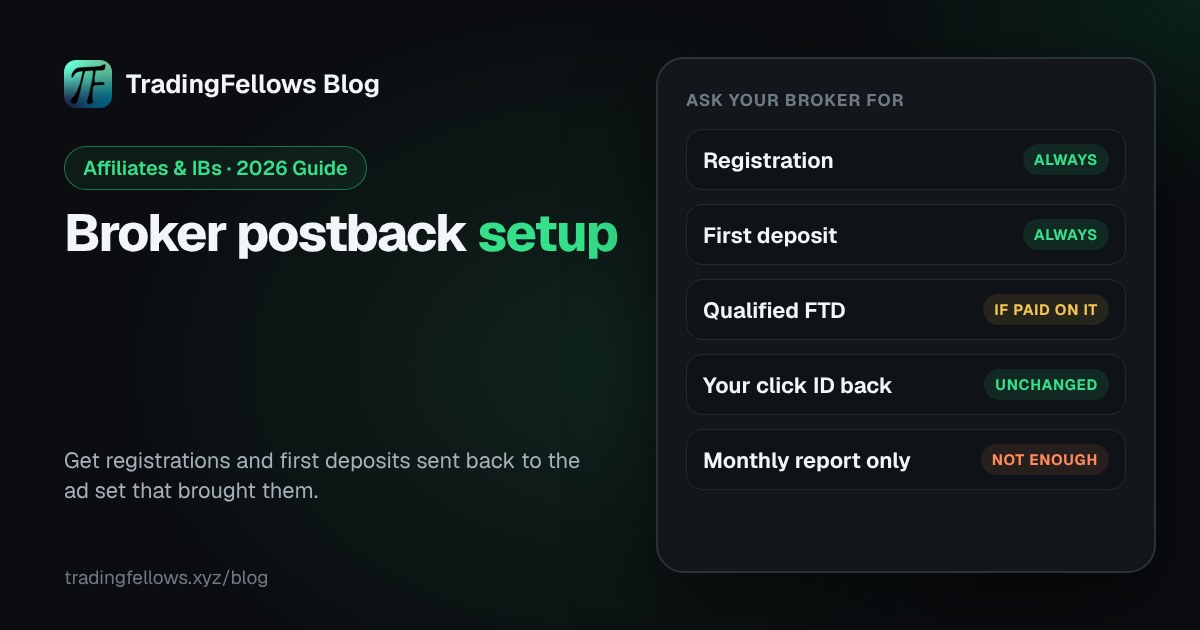
- Ask for two events at least: registration and first-time deposit, plus qualified FTD if your deal pays on it.
- Test it with one real sign-up before you spend, and check the click ID comes back intact.
- No postback? Ask for a sub ID report by email every week. It is slower, but it still ties deposits to sources.
It is the end of the month. The broker's report says 23 first deposits. Ads Manager shows 14 ad sets. Which of them paid for those 23? Without a broker postback, nobody knows, so the budget goes wherever the cost per click looks best.
This guide covers broker postback setup from the affiliate's or IB's side: what to ask for, how it works, the email to send your affiliate manager, and how to test it before you spend.
What is a broker postback?#
A broker postback is an HTTP call from the broker's server, or its affiliate platform, to your tracking server, sent when a client you referred completes an event such as a registration or a first deposit. Because it runs server to server, it does not depend on browser pixels, ad blockers or cookies, as Track360's postback glossary explains.
The terms used in this guide:
- Click ID: a unique code your tracking creates for each click, so that click can be found again later.
- Sub ID: a field on your referral link where the broker stores your click ID and sends it back.
- Macro: a placeholder in the postback URL, such as the sub ID or the deposit amount, that the broker's platform fills in.
- FTD: first-time deposit. A qualified FTD is one that meets the deal's conditions and gets paid.
- S2S: server to server. Another name for a postback.
What changes when the broker sends postbacks?#
:::beforeafter A monthly report, or a postback per event
Before | A report at the end of the month
- 23 deposits, with no ad set attached to any of them
- Budget follows cost per click, because it is the only number you have
- Meta never learns who deposited, so it keeps finding clickers
- Each deposit lands on the ad set that brought it, within minutes
- Budget follows cost per FTD, ad set by ad set
- The deposit can be sent back to Meta, so it looks for depositors
:::
How does a broker postback work?#
A broker postback works in a loop: your tracking adds a click ID to the referral link, the broker stores it in a sub ID when the person registers, and the broker's platform calls your postback URL with that click ID when the registration or the deposit happens. Your tracking matches the click ID and credits the ad set.
- ClickSomeone taps your ad. Your tracking gives the click an ID.
- Referral linkThe click ID goes into the broker link's sub ID field.
- RegisterThe person signs up. The broker stores your sub ID with the account.
- PostbackOn registration and first deposit, the broker calls your postback URL with the sub ID.
- MatchYour tracking finds the click ID and credits the ad set.
- MetaOptional: the deposit goes back to Meta through the Conversions API.
If the click ID is lost at any step, the deposit arrives with no ad set attached.
What should you ask your broker for?#
Ask your broker for a broker postback on registration and on first-time deposit, sent to a URL you give them, with your click ID in the sub ID field and the event name in every call. If your deal pays only on qualified FTDs, ask for that event too. Ask for a test call before you spend.
The checklist for the request:
- Events: registration, first-time deposit, and qualified FTD if your deal pays on it.
- Your click ID: passed back from the sub ID field, unchanged.
- The event name in each call, so registrations and deposits are told apart.
- Optional values: deposit amount and currency, and the country, if the broker allows sharing them.
- Timing: sent when the event happens, not in a daily batch.
- A test: one test call to confirm it arrives.
| Event | Why it matters | Ask for it? |
|---|---|---|
| Registration | Shows which ad sets bring sign-ups, and where people stall | Always |
| First-time deposit | Shows which ad sets bring depositors | Always |
| Qualified FTD | Matches what your deal actually pays | If your deal pays on it |
| Deposit amount | Lets you compare ad sets on value, not only count | If the broker allows it |
Hi, could you set up a postback for my account on registration and on first-time deposit? Please send it to the URL below, with my sub ID returned unchanged and the event name in each call. If qualified FTDs are paid separately, please add that event too. A test call when it is live would help. Thank you.
How does a broker postback work in affiliate platforms?#
Most brokers run their partner programme on an affiliate platform, and the postback is set up there, usually by your affiliate manager. In Cellxpert, for example, a tracking provider's Cellxpert setup guide has the affiliate send a predefined postback URL to the affiliate manager, with the sub ID parameter carrying the click ID.
What differs between platforms is the name of the sub ID field and the macros. What stays the same is the rule: the click ID you send must come back unchanged, or the deposit cannot be matched to an ad set.

How do you test a broker postback?#
To test a broker postback, make one real registration through your own tracked link, then check that the registration event reaches your tracking within minutes with the click ID intact. Repeat for a small first deposit if the broker allows it. Only then put budget behind the link.
- Click your own ad or tracked link, so a click ID is created.
- Register through it with a real email.
- Check your tracking: the registration should arrive with the same click ID.
- If the broker allows it, make a minimum deposit and check the deposit event too.
- If nothing arrives, send the affiliate manager the click ID and the time of sign-up.
Your self-serve fellow for every ad you run: postbacks from your broker land on the ad set and the source that brought each deposit. Start free.
What if your broker will not send postbacks?#
If your broker will not send postbacks, ask for a sub ID field on your referral link and a weekly report of registrations and deposits by sub ID. It is slower than a broker postback and cannot feed Meta in real time, but it still ties deposits to sources. If a broker offers neither, weigh that when you compare deals, as covered in IB marketing.
Broker postback mistakes#
- Sending traffic before the postback is tested.
- Losing the click ID because a redirect drops the sub ID parameter.
- Mixing registrations and deposits because the event name is missing.
- Asking only for FTDs, so you cannot see where registrations stall.
- Judging ad sets on cost per click while postbacks are already arriving. Use cost per FTD instead.
Ask for the postback first#
A broker postback is the one request that turns a monthly report into a decision you can make this week. Ask for registration and first deposit, keep the click ID intact, test it once, and then judge every ad set on what it brings back.
Start free on the Fellows Hub, your self-serve fellow for every ad you run: postbacks matched to the ad set that brought each deposit. Start free at tradingfellows.xyz.
P.S. Copy the email above, send it to your affiliate manager today, and ask for a test call. Questions go to the operator on Telegram: t.me/TradingFellowsAds.
Frequently Asked Questions
What is a postback URL in forex affiliate marketing?
How do I get postbacks from my broker?
What is the difference between a postback and a pixel?
Which broker postback events matter most?
Why are my postbacks arriving without a click ID?
Can I send broker postbacks to Meta?
Keep reading
High CTR No Conversions on Facebook Ads? The Complete 2026 Diagnosis
Your best-CTR ad set produced nothing, so you rewrote the page. If most billed clicks never became visits, non
Virtual Phone Number for Facebook: The Complete 2026 Business Manager Guide
The number that verified your Business Manager belongs to a stranger by spring. What Meta actually checks, why
Facebook Ads Payment Failed? The Complete 2026 Guide to Fixing It Fast
Either your bank refused the charge or Meta did, and the two need opposite responses. How to tell which in thr