
Telegram Invite Link Tracking: How to Track Every Ad Set in 2026, Step by Step

How to give every ad set its own Telegram invite link, what Telegram counts for free, and how to track who is still in the channel at day 7, per link.
On this page
- What is Telegram invite link tracking?
- What changes with one link per ad set?
- How do you create an invite link for each ad set?
- What does Telegram show for each invite link?
- Why are invite links alone not enough?
- How do you track who stays per invite link?
- Should you use one link per ad set or one per visitor?
- Telegram invite link tracking mistakes
- One link per ad set, then watch who stays
- Frequently Asked Questions
Key takeaway: Telegram invite link tracking means giving every ad set, post or partner its own invite link, so each join carries the name of the source that brought it. Telegram counts joins per link for free. It does not tell you who left, who stayed a week or who deposited, so the link is the start of the tracking, not the end of it.
- Create one additional invite link per ad set in the channel's settings, and name it after the ad set.
- Telegram shows how many people joined through each link, and admins can see who joined.
- It does not show who left, who is still there at day 7, or which link brought depositors.
- A bot that is an admin in the channel receives each join with the invite link used, and each leave, so it can track who stays per link.
- For Meta ads, put a page in front of the channel so the join can also be sent back to Meta.
You ran three ad sets last week. Telegram says 1,000 people joined. Which ad set brought them? If every ad pointed at the same invite link, nobody can tell you, not Telegram, not Meta and not your spreadsheet.
It is one of the most common setups in Telegram marketing, and one of the cheapest to fix. This guide covers Telegram invite link tracking from the first link to the members who stay: what Telegram gives you for free, where it stops, and how to close the gap.
What is Telegram invite link tracking?#
Telegram invite link tracking is giving each traffic source its own invite link to your channel, so every join is attributed to the ad set, post or partner that sent it. Telegram counts the people who join through each link. Tracking what happens after the join, such as who leaves or who deposits, needs a bot or a tool on top.
The terms used in this guide:
- Primary link: the default invite link every channel has. Shared everywhere, it tells you nothing about the source.
- Additional link: a separate invite link an admin creates, with an optional name, expiry date, usage limit or join approval.
- Join request link: an invite link where an admin, or a bot, approves each person before they join.
- Day 7 retention: the share of people who joined through a link and are still in the channel a week later.
What changes with one link per ad set?#
- 1,000 joins, and no way to tell which ad brought them
- Budget follows whichever ad set looks cheapest in Ads Manager
- The ad set that brings leavers keeps getting funded
- Joins counted per ad set, inside Telegram
- The ad set nobody stays from is easy to spot and cut
- Budget moves to the links that bring members who stay
The same ads and the same budget. Only the links change.
How do you create an invite link for each ad set?#
To create an invite link for each ad set, open your channel's info, go to Invite links, and create a new link for every ad set, naming it after the ad set. Then paste that link into that ad set only. Telegram's invite link documentation describes the options each link can have.
- Open the channel's invite links. In the Telegram app: channel info, edit or manage, then Invite links.
- Create a new link. Tap "Create a new link".
- Name it after the ad set. For example "Gold UK, broad, video 2". The name is what makes the link readable later.
- Leave expiry and limits off for ad traffic, unless you want a link to close on a date or after a number of joins.
- Use one link per ad set, nowhere else. If the same link goes into a post or a bio, the counts mix again.
What does Telegram show for each invite link?#
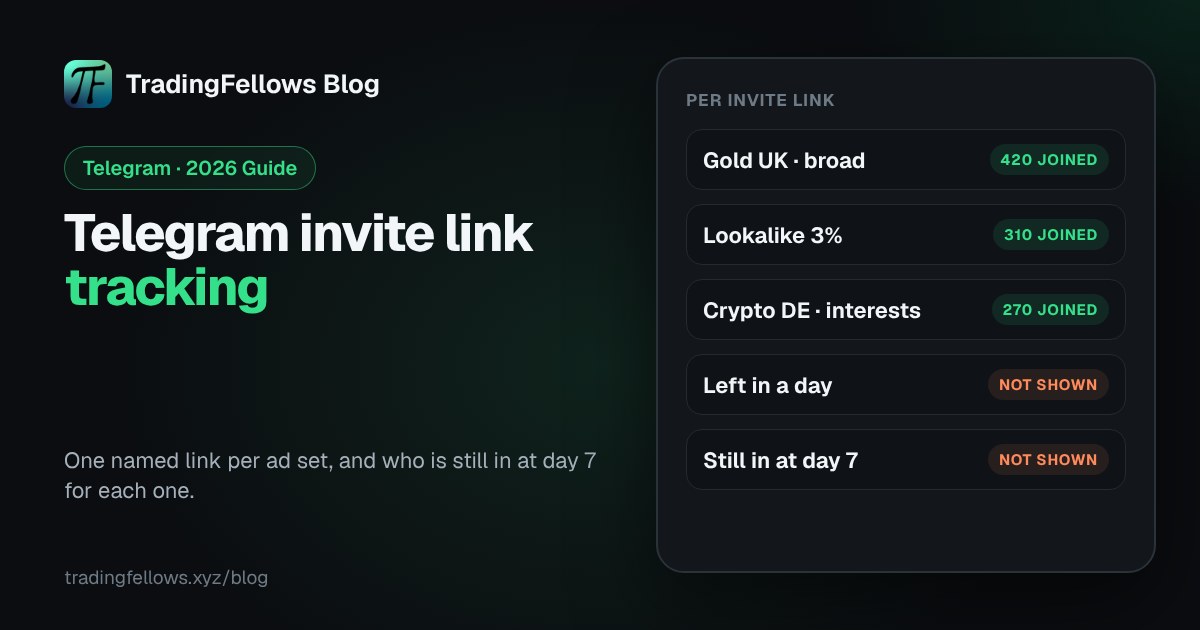
For each invite link, Telegram shows how many people joined through it, and admins can see the list of people who joined. It does not show how many of them left, who is still in the channel a week later, or what they did after joining. That is the part of Telegram invite link tracking you have to add yourself.
| Question | Telegram, out of the box | With tracking on top |
|---|---|---|
| How many joined through this link? | Yes | Yes |
| Who joined through it? | Yes, for admins | Yes |
| How many left, and when? | No | Yes |
| Who is still in at day 7, per link? | No | Yes |
| Which link brought registrations or deposits? | No | Yes, with broker postbacks |
| Does Meta learn who joined? | No | Yes, through a page and the Conversions API |
Why are invite links alone not enough?#
Invite links alone are not enough because a join is not a result. An ad set can bring 400 joins and lose most of them in two days, while a smaller one keeps nearly everyone. Telegram's count shows both as successes. The decision you actually need, which ad set to scale, depends on who stays.
There is a second gap for Meta ads. A pixel cannot run inside Telegram, so Meta never sees the join and keeps optimising for clicks. Sending the join back needs a page in front of the channel, which is covered in Telegram conversion tracking.

How do you track who stays per invite link?#
To track who stays per invite link, add a bot to the channel as an admin and have it record each join with the invite link used, and each leave. The Telegram Bot API sends these as chat member updates, which include the invite link a person joined through. From there, counting who is still in at day 7 per link is simple arithmetic.
What the bot needs:
- Admin rights in the channel, so it receives member updates.
- Chat member updates switched on, which Telegram only sends to bots that ask for them.
- A record per join: who, when, and which invite link.
- A record per leave, so each join can be marked as stayed or left.
Your self-serve fellow for every ad you run: a link per ad set, and who is still in at day 7 for each one. Start free.
Should you use one link per ad set or one per visitor?#
For Telegram invite link tracking, use one link per ad set when people go straight from the ad to Telegram, such as Telegram Ads or paid posts. Use one link per visitor when they pass through your own page first, as with Meta ads, because a personal link ties the join to that exact click and can be sent back to Meta. Many channels use both.
| Setup | Best for | What it tells you |
|---|---|---|
| One link per ad set | Telegram Ads, paid posts, partner swaps | Joins and who stays, per placement |
| One link per visitor, from a page | Meta ads through a landing page | The same, plus the join sent back to Meta |
Telegram invite link tracking mistakes#
Most problems with Telegram invite link tracking come from a handful of habits:
- Pasting the same link into several ad sets, then comparing them.
- Naming links "link 1", "link 2", and forgetting which is which a week later.
- Judging links on joins, not on who is still there at day 7.
- Putting a usage limit on an ad link, so it stops working mid-campaign.
- Sending Meta traffic straight to the t.me link, so Meta never learns who joined.
One link per ad set, then watch who stays#
Telegram invite link tracking is the cheapest fix in Telegram marketing: a named link per ad set turns one meaningless total into a count per source. The real decision comes one step later, when you can see which links bring members who stay, and cut the rest.
Start free on the Fellows Hub, your self-serve fellow for every ad you run: a link per ad set, joins and leaves per link, and who is still in at day 7. Start free at tradingfellows.xyz.
P.S. If you change one thing today, stop sharing one link across ad sets. Questions go to the operator on Telegram: t.me/TradingFellowsAds.
Frequently Asked Questions
How do I track which ad brought a Telegram subscriber?
Can I see who joined through a Telegram invite link?
What is the difference between the primary link and an additional link?
Does Telegram show who left a channel per invite link?
Should I use a join request link for ads?
Can Meta track Telegram joins from an invite link?
Keep reading
Telegram Ads for Forex | How Brokers and Affiliates Actually Generate Leads in 2026
There are three ways to run telegram ads for forex: the official Telegram Ads platform, paid placements in exi
Forex Signals Telegram Channel: How to Run Ads That Pass Review (2026)
What each platform allows for a forex signals Telegram channel, how to write ads that pass review, and how to
Cost per FTD: What It Is, How to Calculate It and How to Lower It (2026)
What cost per FTD means, how to calculate it per ad set with a free calculator, why it beats cost per lead, an