
Facebook Ads for Telegram Channel: How to Run Them Step by Step (2026 Guide)

How to run Facebook ads for a Telegram channel: a page in front of the channel, one invite link per ad set, joins sent back to Meta, and ad sets judged on who is still in at day 7.
On this page
- What are Facebook ads for a Telegram channel?
- Why most Facebook ads for Telegram channel campaigns lose money quietly
- How to run Facebook ads for Telegram channel growth, step by step
- Cost per click vs cost per join vs cost per member who stays
- Creative that works in Facebook ads for Telegram channel growth
- Mistakes that burn budget in Facebook ads for Telegram channels
- How the Fellows Hub runs this in one place
- Start with the setup, then the budget
- Frequently Asked Questions
Key takeaway: Facebook ads for Telegram channel growth pay off when you treat the join as the start, not the result. Send people through a page you control, give every ad set its own invite link, judge ad sets on who is still in at day 7, and pass the joins back to Meta so it can find more people like them.
I run Meta ads into Telegram channels for trading brands, and I have watched the same campaign look great in Ads Manager and quietly lose money in the channel. The clicks were cheap. The joins were real. A week later most of those people were gone, and nobody could say which ad set had brought the ones who stayed.
This guide is the setup I use now. It is written for people who run Facebook ads for Telegram channel funnels themselves: solo founders, media buyers and small teams, mostly working from a phone.
What are Facebook ads for a Telegram channel?#
Facebook ads for Telegram channel growth are Meta ads (Facebook and Instagram placements) whose job is to get the right people into your Telegram channel, keep them there, and move some of them to the next step, such as registering or buying. The ad is only the first of four moves: the click, the join, the stay, and the action after it.
Telegram is a strong place to end up because a channel is a direct line. You post, and people see it, without an algorithm deciding who gets your message. The hard part is that Meta cannot see inside Telegram. Ads Manager knows someone clicked. It does not know if they joined, if they stayed past day one, or if they ever did anything after that.
That blind spot is why so many campaigns look fine and still fail.
Why most Facebook ads for Telegram channel campaigns lose money quietly#
Three things happen when you point an ad straight at a t.me link and judge it on cost per click.
- Meta optimizes for the wrong people. If the only signal Meta gets is the click, it finds more people who click. Clickers and joiners are not the same crowd, and joiners who stay are a smaller crowd still.
- You cannot tell ad sets apart. When every ad sends people to the same public @username, every join looks identical. The best ad set and the worst one land in the same pile.
- Day one hides the leak. A channel can gain hundreds of members on launch day and lose a large part of them within the week. If you only look at the join count, the leak is invisible until the budget is gone.
How to run Facebook ads for Telegram channel growth, step by step#
Here is the full setup, in the order I build it.
- Write the one-line offer. Before any ad, write what the channel gives in a single sentence. "Daily gold analysis before the London open" is an offer. "Join our community" is not. Every ad, page and welcome message repeats this line.
- Put a page between the ad and the channel. The page carries your pixel, says the offer once more, and has one Join button. This is what lets Meta see a visit and, later, a join. A bare t.me link in the ad skips all of that.
- Give every ad set its own invite link. Telegram lets a channel create many invite links, each one counted separately, and it can also ask people to request to join so an admin or a bot approves them. The details are in Telegram's own documentation on invite links. One link per ad set is what turns "we got 400 joins" into "this ad set brought 260 of them".
- Write the ads inside the rules. Finance, trading and education offers get a closer review. No income claims, no win rates, no guarantees, no lifestyle shots of cars and beaches, nothing that singles out the reader's money problems. Meta's Advertising Standards are the reference, and I cover the finance side in how to advertise crypto on Facebook.
- Tell Meta about the join. When someone joins through your page's link, send that join back to Meta as a server event through the Conversions API. Now Meta can optimize for joiners instead of clickers.
- Greet every person who joins. Turn on join requests and let a bot send a short welcome before the person is let in: what the channel is, where the pinned guide is, and a button with a link of their own. That link is how you later see who registered.
- Judge ad sets on day 7, then scale. Leave each ad set long enough to see who is still in a week later. Scale the ones that keep people. Cut the ones that only bring joins.
If you only do one thing from this list, do step 3. Separate invite links per ad set cost nothing and turn your join count into something you can act on.
- AdSomeone taps an ad in one of your ad sets.
- PageYour pixel records the visit and the ad set that sent it.
- Invite linkThe Join button carries that ad set's own invite link.
- WelcomeYour bot greets them before they are let in.
- Conversions APIThe join is reported to Meta from a server, so it can optimize for joiners.
- Day 7You see who is still in, per ad set, and scale on that.
The same seven steps as above, in the order a person moves through them.
Cost per click vs cost per join vs cost per member who stays#
Most Facebook ads for Telegram channel campaigns are judged on the first two numbers. The third is the one that matches what you actually want.
| Metric | Counts | Misses | Use it for |
|---|---|---|---|
| Cost per click | Spend per link click | Whether they joined | Spotting weak creative |
| Cost per join | Spend per join | Whether they stayed | An early read |
| Cost per member who stays | Spend per member in at day 7 | Little at this stage | Deciding what to scale |
- Ad set A spends $300 and brings 300 joins, so cost per join is $1.00. At day 7, 90 are still in. Cost per member who stays: $3.33.
- Ad set B spends $300 and brings 200 joins, so cost per join is $1.50. At day 7, 150 are still in. Cost per member who stays: $2.00.
The two ad sets from the example above. Change any number to run your own.
On cost per join, A wins and you scale it. On cost per member who stays, B is the better buy by a wide margin. I went deeper on this in cost per Telegram subscriber and Telegram channel retention rate.
Creative that works in Facebook ads for Telegram channel growth#
The ad has one job: make the right person want what the channel gives. A few patterns hold up across offers.
- Lead with the thing they get. The plan before the market opens, the levels you watch, the live session on Tuesday. Specific beats exciting.
- Open with a question they already ask themselves. "Why does gold move before London opens?" pulls in people who care. "Want to make money?" pulls in the wrong crowd and gets your ad rejected.
- Show the channel, not a lifestyle. A real post, a chart with three levels marked, the pinned guide. People join what they can picture.
- Keep reels short. Five to fifteen seconds. The hook is the first line on screen, and the offer is said before the viewer scrolls.
- Make stories and reels from the same ad. One message across feed, story and reel keeps the promise consistent from the first impression to the welcome message.
Mistakes that burn budget in Facebook ads for Telegram channels#
- Sending ads straight to a public @username, so no join can be traced to an ad set.
- Judging on cost per click and scaling the ad set that brings clickers.
- Launching into an empty channel. A first visitor who lands in a channel with a handful of members and no posts often leaves without joining.
- Counting seeded or bought members as ad results. If you give a new channel a starting size, keep those members apart from the people your ads bring, or every number after that is wrong.
- Writing a welcome message that sells. The first message should make the channel easy to use, not ask for money.
- Changing five things at once, then not knowing which one helped.
How the Fellows Hub runs this in one place#
I built the Fellows Hub because running Facebook ads for Telegram channel funnels meant juggling a copy tool, a design tool, a tracker, a bot and a spreadsheet. In the Hub, those are one place.
- Fellows AI writes the ads from one line, checks every line against Meta's rules before you see it, and turns an ad into a story set or a reel.
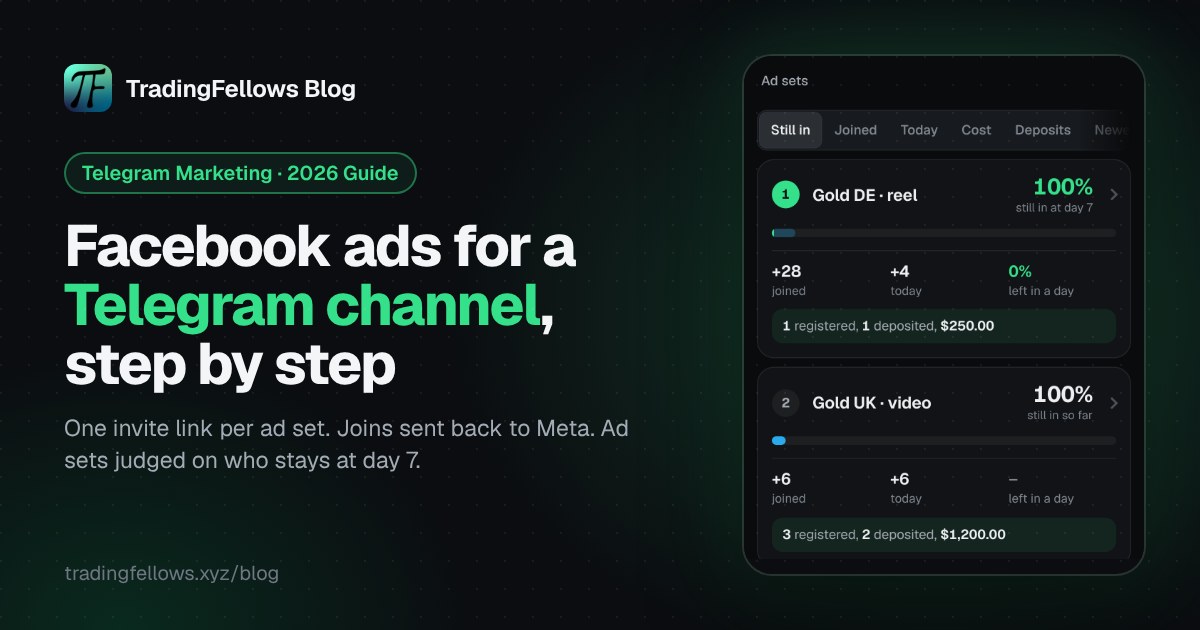
- Channels gives each ad set its own link, counts every visit and join, shows who is still in at day 7, and ranks ad sets by cost per member who stays.
- Your bot asks people to join, sends your welcome and gives each person a link of their own, so registrations and deposits land on the ad set that brought them.
- Pass it on sends joins, registrations and deposits back to Meta, so it learns who is worth finding.
- Auto seeding gives a new channel a starting size and keeps it there, with seeded members counted apart so your ad numbers stay clean.
- Gold UK · broad212 joins · 81% still there on day 7
- Gold UK · lookalike 3%148 joins · 74% still there on day 7
- Crypto DE · interests260 joins · 33% still there on day 7
Sample numbers, not a real account.

Start with the setup, then the budget#
Facebook ads for Telegram channel growth are not hard to run. They are hard to judge. Put a page in front of the channel, give every ad set its own link, look at day 7 before you scale, and tell Meta about the joins.
If you want all of that in one place, see the Fellows Hub at tradingfellows.xyz. Questions go to the operator on Telegram: t.me/TradingFellowsAds.
Frequently Asked Questions
Can I run Facebook ads straight to a Telegram channel link?
What should I optimize Facebook ads for Telegram channel growth toward?
How long should I wait before judging Facebook ads for Telegram channel growth?
Do Telegram join requests hurt growth?
Can Fellows AI write ads for trading and finance offers?
Keep reading
Telegram Invite Link Tracking: How to Track Every Ad Set in 2026, Step by Step
How to give every ad set its own Telegram invite link, what Telegram counts for free, and how to track who is
Forex Signals Telegram Channel: How to Run Ads That Pass Review (2026)
What each platform allows for a forex signals Telegram channel, how to write ads that pass review, and how to
Cost per FTD: What It Is, How to Calculate It and How to Lower It (2026)
What cost per FTD means, how to calculate it per ad set with a free calculator, why it beats cost per lead, an