
Facebook Ad Account Restricted? The Complete 2026 Guide to Getting Back Live
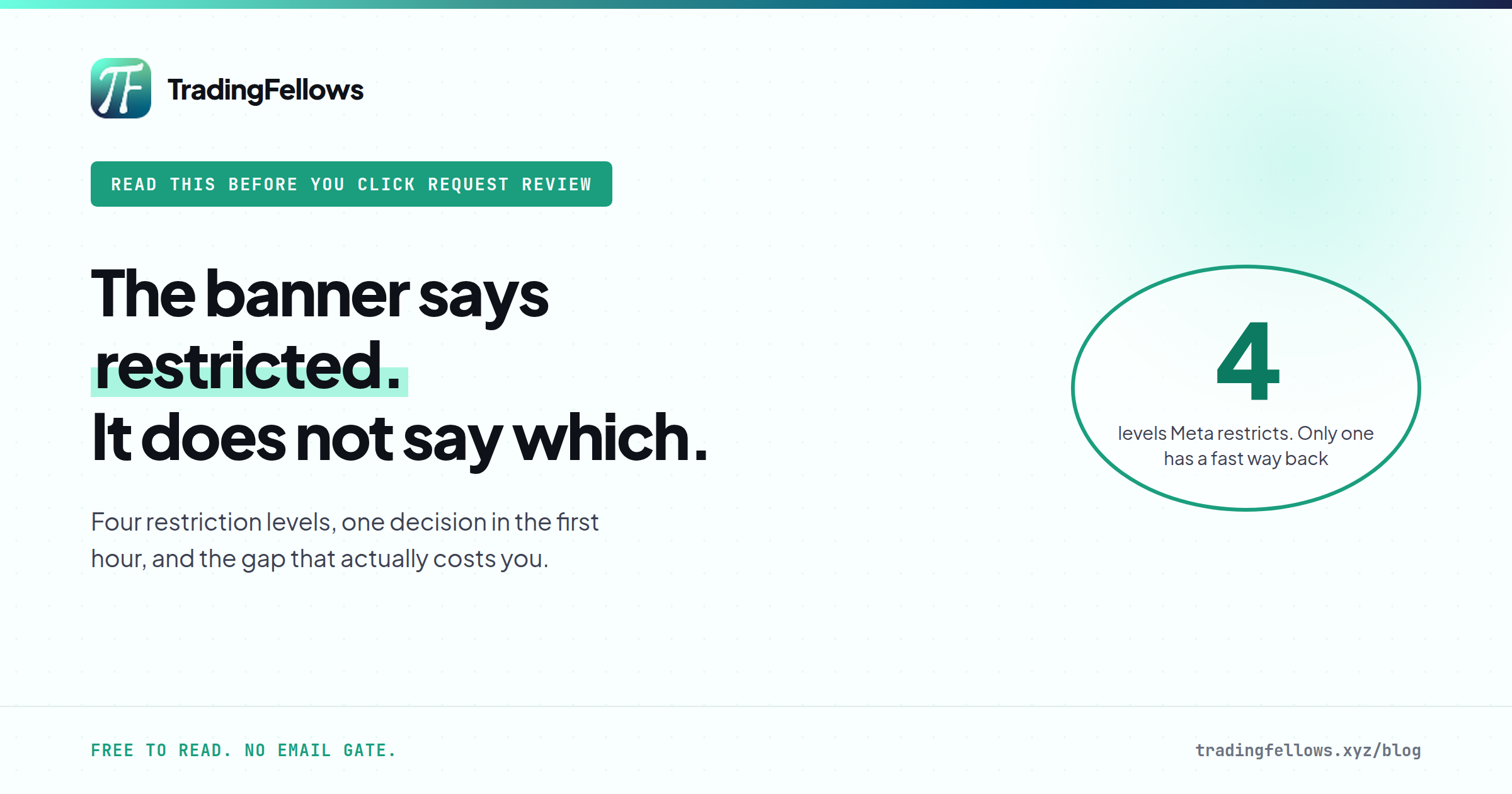
The banner says restricted. It does not say which of four levels was hit, and each one has a different way back. Here is the first hour, decided properly.
On this page
- What "Facebook ad account restricted" actually means
- Find out which level hit you in two minutes
- Why grey verticals get restricted more
- Facebook ad account restricted: should you request a review?
- The real cost of waiting on a review
- How to be back live in hours, not days
- What a replacement account will not fix
- The bottom line
- Frequently Asked Questions
It is 11:40 at night. The campaign finally found its feet this week. CPA came down on Tuesday, you raised the budget on Wednesday, and tonight you open Ads Manager to check it one more time before bed.
Red banner. Spend stopped at 9:12. Everything paused.
Facebook ad account restricted. No warning, no email you can reply to, and a "Request review" button that feels like it was designed to waste your week.
Here is what happens next for most people. They click the button. They wait. They check Account Quality every two hours. Three days go by. Maybe the account comes back, maybe it does not — and either way, the campaign that was working on Wednesday has to relearn everything from zero, because the algorithm does not remember the version of you that was winning.
I want to walk you through what a restriction actually is, which of the four kinds you are looking at, when a review is worth waiting for, and how the operators who stay on air handle the same banner in a couple of hours instead of a couple of days.
The short answer: When your Facebook ad account is restricted, the first job is working out which level was hit — the ad account, the business portfolio, your personal profile, or the Page.
Each one has a different fix. An ad account restriction can be reviewed or routed around with a replacement account in hours.
A profile restriction cannot be routed around at all, and anyone telling you otherwise is selling you a second ban.
Check Account Quality, identify the level, decide on review versus replacement within the first hour, and never let the decision drift into day three.
What "Facebook ad account restricted" actually means#
A Facebook ad account restricted notice tells you that something in your advertising setup can no longer run ads — but not necessarily the ad account itself. Meta enforces at four levels, and the banner in Ads Manager often does not tell you which one you are dealing with.
The ad account. The narrowest one. That single account cannot run or create ads. Everything else — your profile, your business portfolio, your other ad accounts — still works. This is the most common restriction and the most recoverable.
The business portfolio. What used to be called Business Manager. When the portfolio is restricted, every ad account inside it goes down together, which is why one restriction can take out five accounts at once.
Your personal profile. Meta calls this "restricted from advertising" or "advertising access restricted." It is the serious one. You cannot create or manage ads anywhere, on any account, in any portfolio, because the restriction follows you.
The Page. The Page itself can no longer be used to advertise, even from a healthy ad account.
The reason this matters is simple. People treat every Facebook ad account restricted message as the same problem, apply the same fix, and lose days. A profile restriction handled like an ad account restriction does not just fail. It usually makes things worse.
Find out which level hit you in two minutes#
Before you click anything after a Facebook ad account restricted notice, spend two minutes finding out what you are actually dealing with. This is the step almost everybody skips.
Write down what you find. You will need it for the decision in the next section, and "I'm not sure which one it was" is how people end up appealing the wrong thing.
Why grey verticals get restricted more#
If you run forex, prop firm, crypto or supplement offers, you already know a Facebook ad account restricted notice arrives far more often for you than for someone selling candles. It is worth being precise about why, because the explanation changes what you do next.
Your ads are part of it, but a smaller part than most people think. Meta scores the entity behind the ad — the profile that owns it, the portfolio it sits in, the payment method, the domain, the history — at least as much as the creative. A brand-new account in a regulated category, paying with a card that has never spent before, sending traffic to a domain Meta has never seen, is a stack of risk signals before anybody has read the headline.
That is also why the restriction often lands after you raise the budget. A sudden change in spend on a young account in a sensitive category is exactly the pattern automated review is built to look at.
Here is the honest part. Nobody can sell you an account that does not get restricted in this niche. Not us, not the seller in your DMs, not the agency renting you a "whitelisted" account. What you can control is how long a restriction keeps you off the air. The details of why the same accounts keep dying are in why your ad account keeps getting banned, and the vertical-specific version for trading is in prop firm ad account banned.
If your personal profile is restricted from advertising, do not respond by creating new profiles or new portfolios to keep running the same ads.
Meta treats that as circumventing its systems, and it is the fastest way to turn a restriction you could have appealed into a permanent one — for you, and for every asset connected to you.
A profile restriction goes through review and identity verification. There is no shortcut, and anybody offering one is selling you your next ban.
Facebook ad account restricted: should you request a review?#
This is the decision that costs people the most time, so here it is laid out by level.
| What is restricted | Is a review worth it? | What usually happens | Fastest honest way back live |
|---|---|---|---|
| One ad account | Yes, request it — but do not wait on it | Mixed. Some come back, many do not | Run compliant ads on a replacement account while the review runs |
| Business portfolio | Yes — it is the main route | Slower, and everything inside waits with it | Wait on the review. Rebuilding the same setup in a fresh portfolio reads as circumvention |
| Your personal profile | Yes — it is the only route | Usually asks for identity verification. Some decisions are final | None. Resolve it through review before anything else |
| The Page | Yes | Varies with the violation | A different Page that has not been flagged |
For the portfolio and the profile, there is no replacement. Those are the two rows to read twice.
The real cost of waiting on a review#
Most people measure a Facebook ad account restricted event by what the account cost to buy. That is the cheapest line on the bill.
Run the real sum on your own numbers:
daily spend you are not running × days you wait + the cost of relaunching into a fresh learning phase
The first two terms are obvious. The third is the one nobody counts. When a campaign relaunches on a new account, the delivery system starts learning again from nothing. The cost per result you had finally driven down on Tuesday is gone. You pay for the learning a second time — and if you waited four days before relaunching, you pay for four days of silence and the relearning.
That is why the operators who stay profitable in these verticals treat the first hour after a Facebook ad account restricted notice as the expensive hour. The account is not the expensive part. The days after it dies are.
How to be back live in hours, not days#
Here is the playbook for the most common Facebook ad account restricted case — one ad account down, profile and portfolio clean, and ads that were compliant when they ran.
Step three is the one that fails for most people, and it fails for a boring reason: they do not have a replacement ready. They go looking at midnight, message a seller, wait for a reply, pay, wait for credentials, and the "two-hour outage" becomes two days.
That gap is exactly what the TradingFellows stack is built around. Live stock, shown before you pay. Paid in USDT. Login details delivered into your Hub in minutes, not after somebody wakes up and reads a message. The thinking behind it is laid out on the uptime page: not a better account — a shorter outage.
And the guarantee, stated plainly so you know exactly what you are buying: setup faults on our end are replaced free within 24 hours. Restrictions that come from your ad content, your own profile, or the vertical doing what the vertical does are not covered. By us or by anyone.
If you want to understand which account tier suits which job before you need one at midnight, the Business Manager guide goes through it, and what to do when a Business Manager is banned covers the portfolio-level version of this problem in full.
What a replacement account will not fix#
Not every Facebook ad account restricted situation is one a replacement solves. I would rather tell you this now than have you find out after you have paid:
- A restricted profile. A replacement ad account has to be added to a portfolio and managed from a profile. If yours is restricted from advertising, you cannot manage the new account either. Review first.
- The ad that caused it. If the restriction came from the creative or the landing page, the same ad will get the new account restricted too, usually faster. Read the rejection reasons before you relaunch anything.
- A setup that dies every week. If you are losing an account every few days, the problem is upstream — the profile, the payment method, the domain, the pace of spend. Replacements buy you time to fix that. They are not the fix.
- An offer that is not allowed at all. Some financial products are prohibited outright under Meta's advertising standards, not merely restricted. No account setup changes that, and a vertical-by-vertical breakdown of what is permitted starts with advertising crypto on Facebook.
The bottom line#
A Facebook ad account restricted banner is not one problem. It is four different problems wearing the same red label, and the time you lose comes almost entirely from treating them as one.
The account itself was never the expensive part. The expensive part is the gap — the hours between the banner and the moment you are spending again — and that gap is decided by what you did before the restriction, not after it.
So do two things this week, while nothing is on fire. Open Account Quality and check every level — profile, portfolio, accounts, Page — so you know your baseline. Then decide where your replacement account is coming from, and make sure it can be live in an hour rather than whenever a seller answers. If your honest answer to "where would I get one at midnight" is "I'd start looking", that is the thing to fix first.
PS. The single most expensive mistake after a Facebook ad account restricted notice is not a bad appeal. It is waiting on the appeal before doing anything else. Request the review, then launch the replacement in the same hour. If the review comes back in your favor, you have two accounts. If it does not, you lost two hours instead of four days.
Frequently Asked Questions
Why is my Facebook ad account restricted?
How long does a Facebook ad account restriction last?
Can I appeal a restricted Facebook ad account?
What is the difference between a restricted ad account and advertising access restricted?
Will a new ad account get restricted too?
How do I stop my Facebook ad account from being restricted again?
Keep reading
Forex Content Marketing: The Complete Strategy for Brokers and Prop Firms in 2026
Your forex broker spends $15,000/month on Facebook ads. Every time an ad account gets banned, you lo
Facebook Ads for Supplements: The Complete Guide to Running Nutra Without Losing the Account in 2026
Your supplement ad got rejected....
How to Get a Facebook Business Manager That Actually Survives 2026
Getting a Facebook Business Manager that survives requires a clean identity stack (residential IP, r